Creating a Workplace Accident Investigation Form
Having a workplace accident investigation form is essential to understanding what happened during any workplace incident, and most importantly, how to prevent future similar occurrences. It's a wise decision for businesses to create a workplace accident investigation form that is tailored to their specific needs. This will help ensure that all the necessary elements are covered in an investigation.
A workplace accident investigation form should include as much information as possible about the incident in order to get a better picture of what happened. This includes the date, time and location of the accident, the physical environment, safety equipment and procedures applicable at the time, and the names of personnel and witnesses involved or present. The form should also solicit other information such as the type and size of the object causing the injury, the bodily mechanics involved, the medical care provided, and the financial losses incurred.
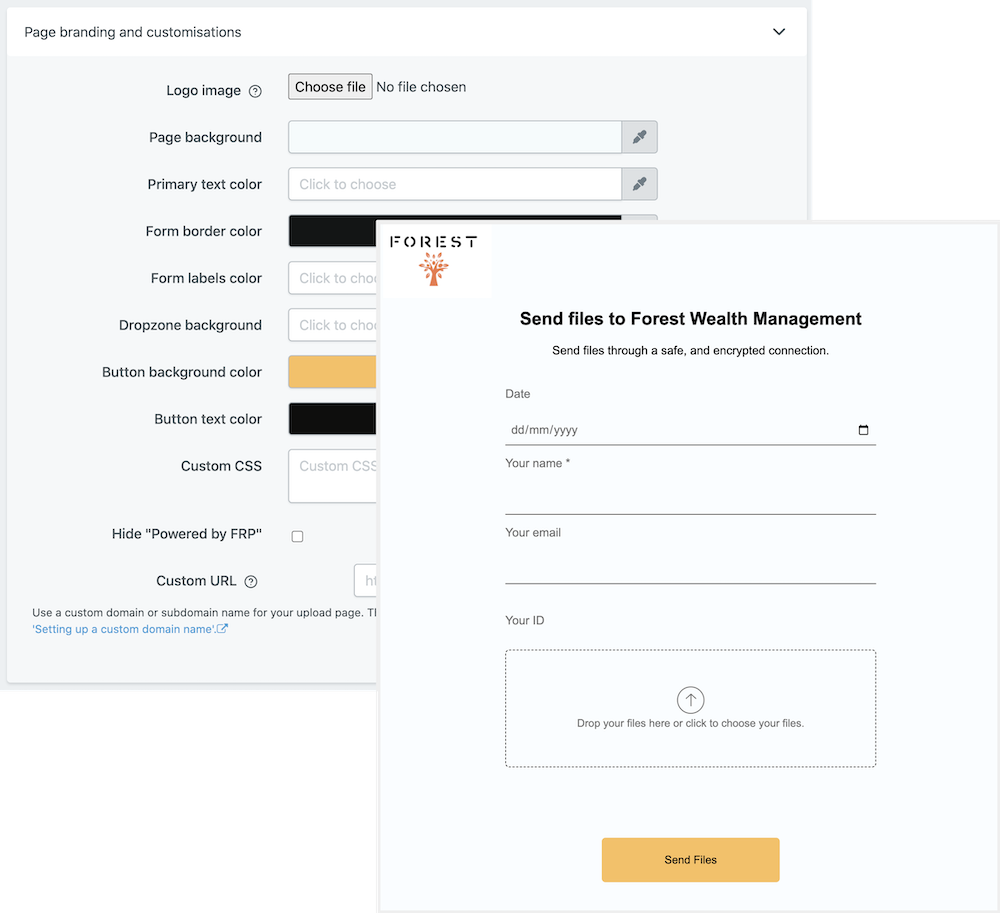
Using File Request Pro to create your workplace accident investigation form gives customers the ability to customize the form to their own needs, white-label it, get unlimited entries, and sync with Google Drive, SharePoint and Dropbox. They can also automate email notifications to help speed the investigation process.
Download our example Workplace Accident Investigation Form and start using File Request Pro today to customize it to your specific needs.
Frequently Asked Questions
- What is the purpose of this form? The purpose of this Workplace Accident Investigation Form is to help employers investigate workplace accidents and identify potential corrective actions.
- When should I use this form? You should use this form when an accident has occurred at work, or when a near-miss situation has been reported.
- What information does this form provide? This form provides information about the accident, such as the location and time of the incident, details about the people involved, and information about the cause of the accident and any corrective action taken.
Multi-page forms
Use multiple pages for longer or complex forms. Clients click through using clear call to action
buttons, so they see only a few questions at once. Conditional logic can be applied to pages as
well as individual questions.
Read more about the flexible upload-page layouts.
Make life easy with integrations
File Request Pro natively connects with Google Drive, Dropbox, SharePoint and OneDrive. Set up
takes 2 minutes. Files are automatically sent to a folder or subfolder of your choice.
Learn about our integrations.