Create an Admission Form Easily with File Request Pro
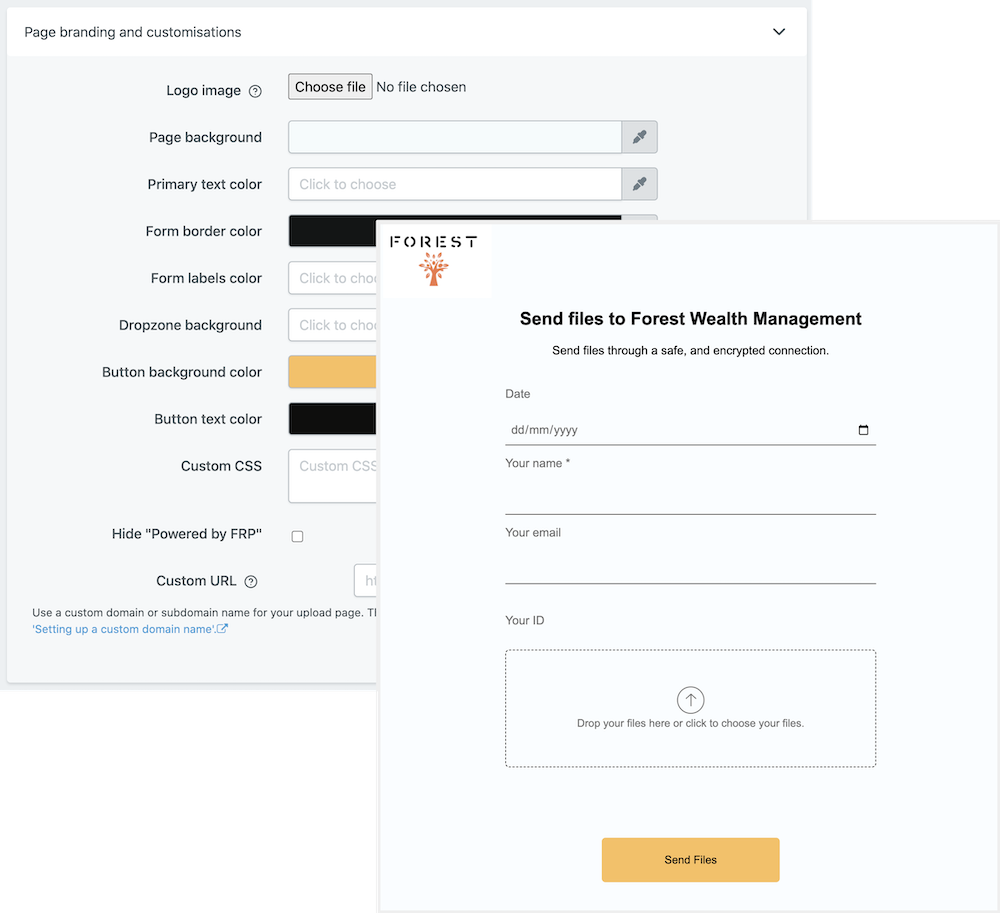
Creating a professional admission form for your business or school can be difficult and time consuming. File Request Pro allows you to easily create a custom admission form in minutes. From start to finish, our easy templates make it simple to customize any form as many times as needed. Not only that, but File Request Pro also offers unlimited entries, white-label branding options, email automation, and cloud storage integration.
With File Request Pro, you can quickly create admission forms for an array of applications. Whether it’s a school application, job application, club membership form, or other admissions document, File Request Pro makes it easy. Our intuitively designed interface lets you customize your form with the fields you need, design it as you like, and integrate it with your existing storage solutions including Google Drive, Sharepoint, and Dropbox.
Stop wasting time searching for complicated methods of creating an admission form. Create an admissions form quickly, easily, and securely with File Request Pro. With our customizable templates, unlimited entries, and cloud storage integration, you’ll have a professional admission form ready to publish in minutes.
Frequently Asked Questions
- What is the purpose of this Admission Form?
This admission form template is used for applicants to provide contact information, educational background, and other details pertinent to their application for admission to a university or other educational institution.
- When should I use this form?
This form should be used when applying for admission to an educational institution, such as a university. It can also be used to collect basic applicant contact information.
- Are there any prerequisites for using this form?
No, there are no prerequisites for using this admission form template. Applicants can fill out the form without needing any additional qualifications.
Multi-page forms
Use multiple pages for longer or complex forms. Clients click through using clear call to action
buttons, so they see only a few questions at once. Conditional logic can be applied to pages as
well as individual questions.
Read more about the flexible upload-page layouts.
Make life easy with integrations
File Request Pro natively connects with Google Drive, Dropbox, SharePoint and OneDrive. Set up
takes 2 minutes. Files are automatically sent to a folder or subfolder of your choice.
Learn about our integrations.