Everything You Need to Know About Creating a Job Application Form
Creating a job application form can be time-consuming and daunting for employers. Employers often have to juggle between creating an effective job application form that captures all the information they need, while also providing a great user experience for potential candidates. This is where File Request Pro comes in. Our software allows you to easily create and publish a job application form, saving you time and effort. With customizable features, white labeling options, unlimited entries, syncing with Google Drive, SharePoint, Dropbox, and email automation, our software offers a complete solution for managing job applications.
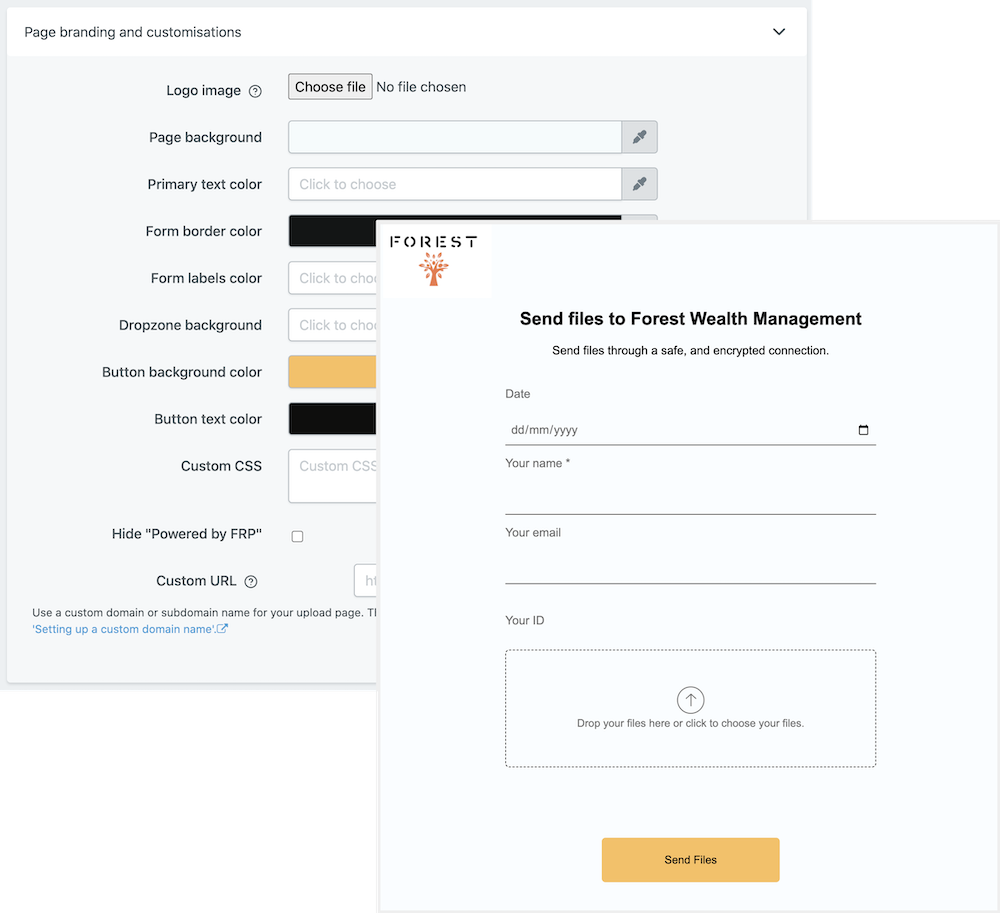
Using File Request Pro, employers can easily generate a job application form tailored to their specific needs and preferences. Our software makes it easy to customize various features of the form and ensure that it captures the most relevant information from candidates. With our white-label feature, you can effortlessly remove the branding and make the form completely private and secure. You can also set specific requirements such as required documents, time constraints, and other limitations for prospective applicants.
File Request Pro makes it easy to manage job applications with its easy-to-use dashboard. You can automatically sync the form and responses with your Google Drive, SharePoint, and Dropbox accounts. Email notifications can be sent when a job application form is completed, making it quick and simple to track applicants. Furthermore, our software is capable of storing unlimited entries, allowing employers to review and manage a large number of job applications without any hassle.
Frequently Asked Questions
- What kind of information can I collect with this form?
This form will allow you to collect contact and employment information from job applicants, as well as additional personal information that may be relevant to the job being advertised.
- What format do the files need to be in?
The form should be provided in a format that is easy to use, such as PDF or Word document.
- Can I customize the form to my needs?
Yes, absolutely! You can edit the form according to your requirements and add additional questions or fields if necessary.
Multi-page forms
Use multiple pages for longer or complex forms. Clients click through using clear call to action
buttons, so they see only a few questions at once. Conditional logic can be applied to pages as
well as individual questions.
Read more about the flexible upload-page layouts.
Make life easy with integrations
File Request Pro natively connects with Google Drive, Dropbox, SharePoint and OneDrive. Set up
takes 2 minutes. Files are automatically sent to a folder or subfolder of your choice.
Learn about our integrations.