What is a Legal Due Diligence Form?
A legal due diligence form is a set of documents informing prospective buyers or investors on the risks involved in a specific transaction. It helps ensure that all parties have the necessary information to make an informed decision, and can be used for various types of transactions such as mergers, acquisitions, and partnerships.
The form may contain information on the legal status of the company being acquired, the financial information of the target company, litigation history, ownership issues, government regulations concerning the deal, and more.
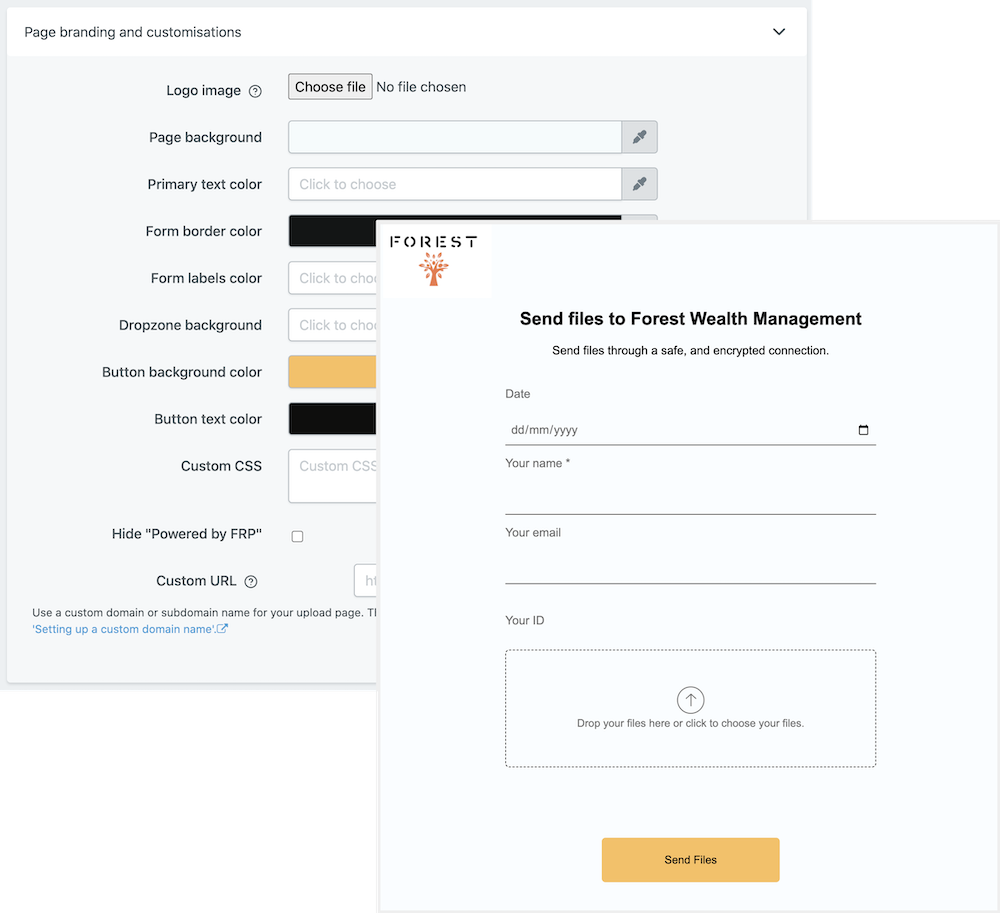
At File Request Pro, we provide a customizable template for you to create a legal due diligence form for any transaction. Our software is simple to use, and allows you to customize your form in a way that suits your needs. Plus, our platform comes with a range of features, including white-labeling, unlimited entries, Google Drive, Sharepoint, Dropbox, and email automation.
We invite you to create your own legal due diligence form with File Request Pro today!
Frequently Asked Questions
- What is a 'Legal Due Diligence Form'?
A 'Legal Due Diligence Form' is a document used to assess the legality of a business transaction by gathering information and evidence on the legal, financial and regulatory aspects of the proposed transaction.
- When should I use this form?
This form should be used when there is a proposed commercial or legal transaction, such as the purchase of a business, acquisition of assets or transfer of shares. It is used to protect all parties involved in the transaction by gathering evidence and information about any potential legal risks associated with the transaction.
- How can I use this form?
This form can be used to collect and review all relevant information necessary to determine the validity and legality of the proposed transaction. This includes information on the legal structure of the company, its financial situation, any legal proceedings related to it, and any other pertinent information that may be needed to evaluate the legality of the transaction.
Multi-page forms
Use multiple pages for longer or complex forms. Clients click through using clear call to action
buttons, so they see only a few questions at once. Conditional logic can be applied to pages as
well as individual questions.
Read more about the flexible upload-page layouts.
Make life easy with integrations
File Request Pro natively connects with Google Drive, Dropbox, SharePoint and OneDrive. Set up
takes 2 minutes. Files are automatically sent to a folder or subfolder of your choice.
Learn about our integrations.