Learn the Ins and Outs of Creating a Waste Manifest Tracker Form
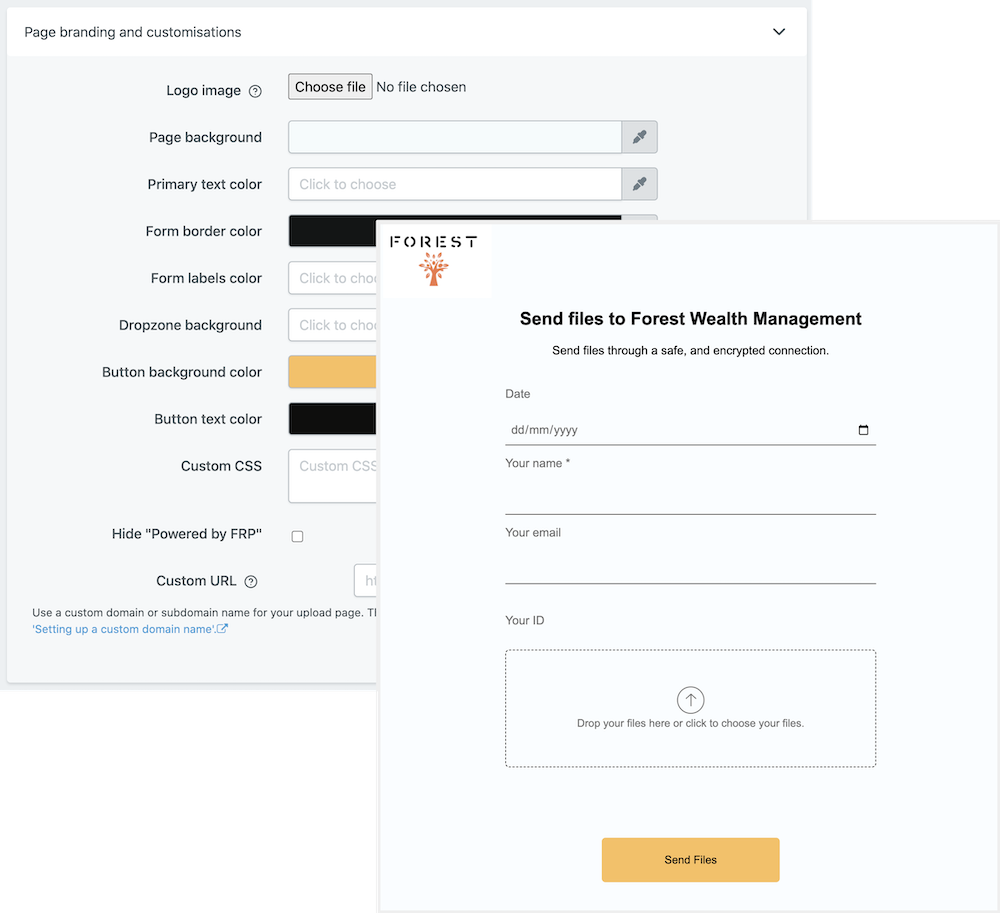
Are you looking to publish a Waste Manifest Tracker Form? If so, there are a few steps you need to take in order to make sure your form is setup accurately and looks professional. The good news is that creating forms doesn’t have to be complicated or time-consuming. In this article, we’ll discuss the key features to look for when crafting a Waste Manifest Tracker Form and why leveraging a software solution like File Request Pro can help you save time and money.
At the core, a Waste Manifest Tracker Form is a helpful tool for managing hazardous waste from cradle-to-grave. This type of form is designed to contain pertinent information about shipments of waste, including the name and address of the person who transported it, the date of transport, and the ultimate destination. In addition, the form is also used to track the remaining useable life of the hazardous material being shipped.
File Request Pro provides a comprehensive platform for building and publishing forms that are clean, organized, and easy to read. Plus, you can easily customize the form to fit your unique needs. In addition, File Request Pro also offers white-labeling, unlimited entries, and the ability to sync with Google Drive, SharePoint, and Dropbox, as well as many other customization options. And because it handles email automation, you never have to worry about missing notifications.
Frequently Asked Questions
- What is a Waste Manifest Tracker Form?
A Waste Manifest Tracker Form is a document used to track waste removal from one location to another. It includes information about the type and amount of waste, the transportation vehicle, the final destination of the waste, and the responsible party for the waste.
- What is the purpose of this form?
The purpose of this form is to ensure compliance with environmental regulations and to provide traceability of each manifest. The manifest also helps to prevent hazardous materials from being released into the environment.
- When should I use this form?
This form should be used whenever transporting waste between locations. This can include transferring waste from your facility to an approved disposal site, or removing hazardous materials from a contaminated site.
Multi-page forms
Use multiple pages for longer or complex forms. Clients click through using clear call to action
buttons, so they see only a few questions at once. Conditional logic can be applied to pages as
well as individual questions.
Read more about the flexible upload-page layouts.
Make life easy with integrations
File Request Pro natively connects with Google Drive, Dropbox, SharePoint and OneDrive. Set up
takes 2 minutes. Files are automatically sent to a folder or subfolder of your choice.
Learn about our integrations.