Call for Workshop Presentations: Learn How to Create One
Calls for workshop presentations are a great way to bring in new and expert voices, encourage collaboration, and foster creative exploration of topics. With the right approach and materials, anyone can make a call for workshop presenters of any kind.
When creating a call for workshop presenters, it’s important to clearly define the goals and parameters of the event. You should include details about your desired topics, how applications should be submitted, deadlines, and outlining any compensation, if applicable. You may also want to create guidelines for the submission materials to ensure that they meet all necessary requirements.
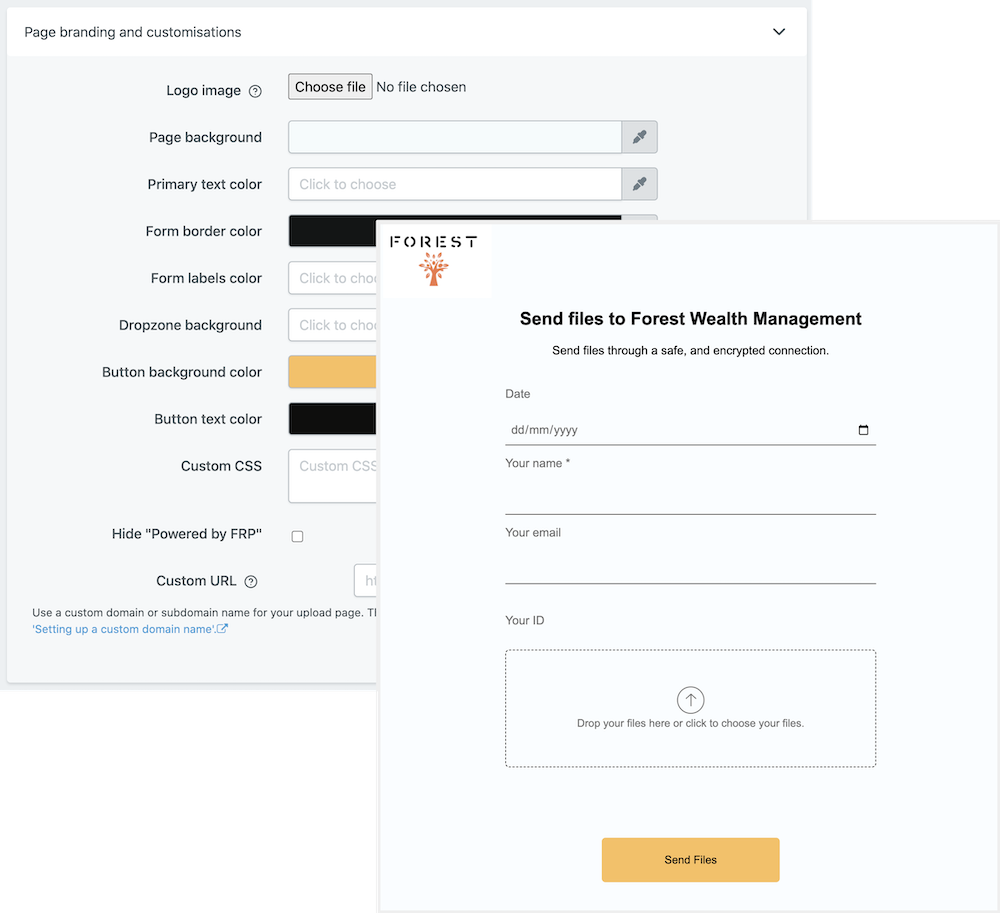
At File Request Pro, we make it easy to create your own customized call for workshop presentations. Our software allows you to customize your form, white-label it, set unlimited entries, and sync with Google Drive, SharePoint, and Dropbox. You can also choose to use our email automation tool for seamless communication and collaboration between presenters and organizers.
We invite you to give File Request Pro a try today to create an effective and efficient call for workshop presentations!
Frequently Asked Questions
- What are the benefits of using a Call for Workshop Presentations?
A Call for Workshop Presentations can be a useful tool for publishers to quickly gauge the interest of potential participants and topics prior to a workshop event. It also allows them to assess if they have the expertise and resources to accommodate the number of expected participants.
- When is the best time to use this form?
The best time to issue a Call for Workshop Presentations is a few months before the actual event, as this will give you enough time to analyze the responses and make adjustments to the event if needed.
- What information should I include in my Call for Workshop Presentations?
A good Call for Workshop Presentations should include information about the topic and goal of the workshop, the type of presentation expected, how long each presentation should be, the date and location of the event, and any other important details that participants should know in advance.
Multi-page forms
Use multiple pages for longer or complex forms. Clients click through using clear call to action
buttons, so they see only a few questions at once. Conditional logic can be applied to pages as
well as individual questions.
Read more about the flexible upload-page layouts.
Make life easy with integrations
File Request Pro natively connects with Google Drive, Dropbox, SharePoint and OneDrive. Set up
takes 2 minutes. Files are automatically sent to a folder or subfolder of your choice.
Learn about our integrations.