Everything You Need to Know About Creating a Professional Property Inspection Report
A property inspection report is an important document used by landlords, tenants and property managers to provide information about the condition of a rental property. It outlines the issues that could affect the safety or health of residents, as well as other problems that need attention. This kind of report is also often required by banks or lending institutions when financing a property purchase.
Creating a professional and detailed property inspection report is essential to ensuring your rental property is up to code and safe for all occupants. To do this, you'll need to follow all local laws, paying special attention to any relevant laws regarding tenant rights and landlord responsibilities. Once you've made sure you're aware of any applicable regulations, you can create your report with an easy-to-use template.
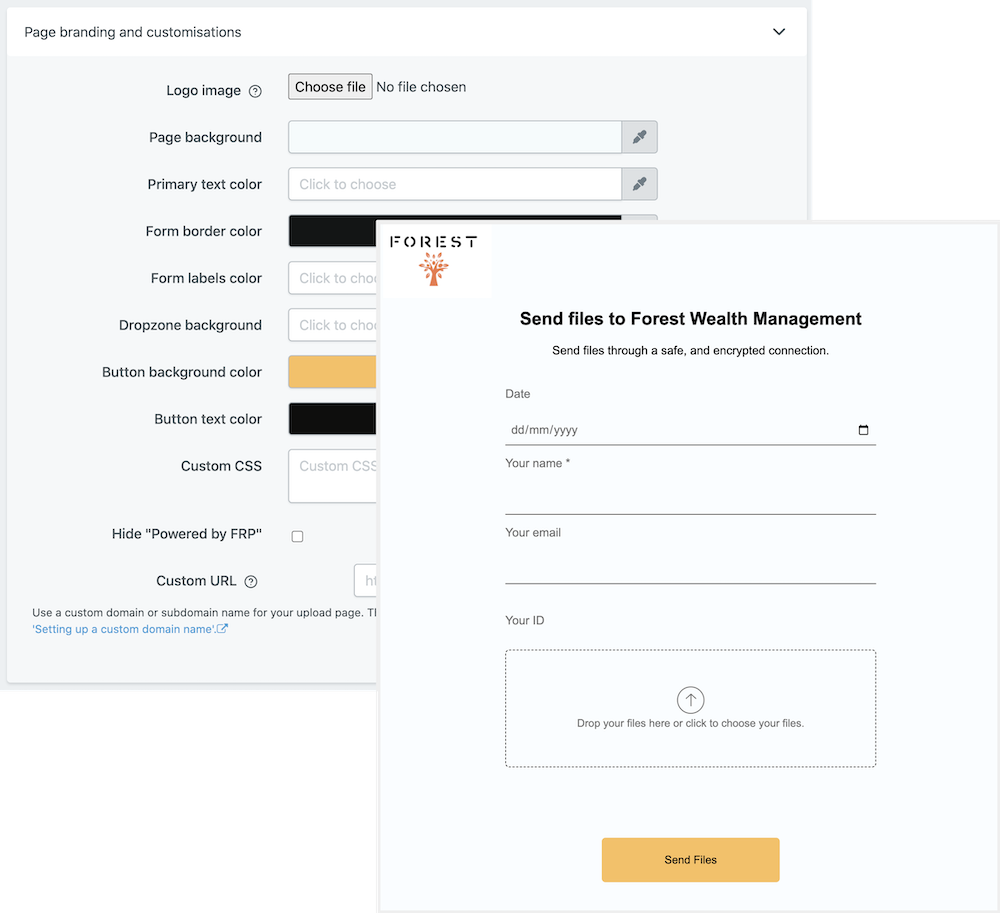
File Request Pro is the perfect tool for generating property inspection reports. Our software will allow you to customize your property inspection report with fields that are specific to your rental property. Plus, our software offers white-labeling, so you can include your own logo, name and contact details on the report. With File Request Pro, you can also sync with Google Drive, SharePoint and Dropbox, as well as benefit from unlimited entries and email automation.
Frequently Asked Questions
- What is the purpose of this form?
The Property Inspection Report is a form used by landlords, estate agents, housing associations and tenants that provides a comprehensive overview of the condition of the property prior to the start of the tenancy.
- When should I use this form?
This form should be used at the start of a tenancy to document the condition of the property and its contents so that any disputes related to the condition of the property and its contents can be easily resolved.
- What information does this form contain?
The Property Inspection Report contains key information such as an overall description of the condition of the property, an itemised list of its contents, interior and exterior images and a signature from both the tenant and landlord for each inspection carried out.
Multi-page forms
Use multiple pages for longer or complex forms. Clients click through using clear call to action
buttons, so they see only a few questions at once. Conditional logic can be applied to pages as
well as individual questions.
Read more about the flexible upload-page layouts.
Make life easy with integrations
File Request Pro natively connects with Google Drive, Dropbox, SharePoint and OneDrive. Set up
takes 2 minutes. Files are automatically sent to a folder or subfolder of your choice.
Learn about our integrations.